BLOG ON
Legacy Desktop Software Modernization: A Practical Guide
PUBLISHED ON - 26th October, 2026 · 9 min read
PUBLISHED BY

Aditya Prem Sharma
Product Specialist
The Software Nobody Wants to Touch
There's a Windows application running somewhere in your company that everyone depends on.
It might handle inventory, billing, manufacturing, customer records, or employee operations.
The interface looks like it belongs in 2005. Nobody remembers who built half its features. The person who originally maintained it left years ago.
Yet every morning, employees open it and get their work done.
Until someone asks a dangerous question:
"Can we add one small feature?"
Suddenly, the IT team needs two weeks to investigate. The original database structure is unclear. Updating one screen might break three others.
And management starts discussing a complete replacement.
This is the situation where legacy desktop software modernization becomes relevant.
Legacy modernization means upgrading, restructuring, or replacing aging applications to improve maintainability, security, performance, and integration without unnecessarily losing the business functionality they already provide.
But here's something worth understanding before spending money.
Old software isn't automatically bad software. Software becomes a problem when maintaining it costs more than the value of keeping it unchanged.
The smartest modernization projects don't begin with choosing React, .NET, Electron, or a cloud provider.
They begin by understanding what the existing software does for the business and why changing it has become difficult.
Your Old Software Might Be Worth Keeping
A business application can be fifteen years old and still be extremely valuable.
Consider a manufacturing company using a custom desktop system built around its production processes.
Over the years, employees have refined how they enter orders, allocate materials, calculate costs, and generate reports.
Those workflows represent years of operational knowledge.
Replacing the entire system with generic software might force employees to abandon processes that work well.
What should you preserve?
Business logic
Pricing calculations, approval rules, inventory adjustments, and industry-specific processes.
Operational familiarity
Efficient workflows employees have learned through daily use.
Historical information
Customer records, transactions, reports, and other data needed for business continuity.
Hardware integrations
Connections with printers, scanners, manufacturing equipment, or other local devices.
What should you change?
Unsupported dependencies, fragile database access, insecure authentication, difficult deployment, and code that prevents reasonable improvements.
The objective should be to separate valuable business functionality from outdated technical limitations.
Note
Microsoft still supports certain Visual Basic 6 runtime components on supported Windows versions, including Windows 11. However, the VB6 development environment is unsupported, and third-party components have separate compatibility considerations.
This is why a software assessment matters.
You may discover that the application needs a targeted upgrade rather than a complete rebuild.
What Happens When the Only Developer Leaves?
Imagine three businesses that depend on older desktop applications.
All three have software that currently works.
But their risks are very different.
| Business | Legacy Dependency | Potential Consequence |
|---|---|---|
| Wholesale distributor | Billing application maintained by one developer | Difficult fixes and delayed invoicing |
| Manufacturing company | Production software tied to an old workstation | Operational disruption if the machine fails |
| Logistics company | Desktop system without modern integrations | Repeated manual data entry and reporting delays |
These are illustrative scenarios, not reported incidents.
The first business has a knowledge problem.
The second has an infrastructure problem.
The third has an integration problem.
A complete rewrite isn't necessarily the best solution for all three.
The hidden risks
- Unsupported libraries can make security fixes difficult.
- Missing documentation increases dependency on individual employees.
- Manual processes consume time every month.
- Old database designs complicate new integrations.
- Limited automated testing makes even small changes risky.
The important question isn't simply whether the software will stop working tomorrow.
It's whether the business can confidently maintain and improve it over the next several years.
Warning
Don't confuse an application that launches successfully with an application that is safe to maintain. Supported operating systems, third-party dependencies, backup recovery, and access controls must be evaluated separately.
Three Decisions, Three Very Different Budgets
When businesses approach a software development company, they often say they want to replace their old application.
After examining the existing system, the better solution may be something else entirely.
There are three main directions.
Option A: Upgrade what already exists
Keep the application and improve its technical foundation.
Examples include updating dependencies, moving a supported .NET Framework application to modern .NET, or replacing outdated database components.
This makes sense when the architecture remains suitable and most business workflows work well.
Option B: Modernize gradually
Keep the essential system running while introducing modern modules, APIs, interfaces, or reporting tools.
For example, retain the desktop billing application while developing a web dashboard for management.
This can be particularly useful when the business cannot tolerate a sudden replacement.
Option C: Rebuild the application
Develop a new application around documented business requirements and migrate the necessary data.
This may be appropriate when the original technology is too restrictive or the architecture is no longer practical to maintain.
How to choose
The decision should be based on technical evidence, business requirements, and acceptable risk.
A rebuild offers more freedom, but it also creates more opportunities to lose undocumented behavior.
A gradual modernization may take longer overall, but it can deliver improvements while preserving business continuity.
Illustrative development budgets in India
| Approach | Planning Range |
|---|---|
| Technical assessment and roadmap | ₹75,000–₹3 lakh |
| Targeted upgrades and refactoring | ₹3–8 lakh |
| Gradual application modernization | ₹8–20 lakh |
| Desktop-to-web migration | ₹15–35 lakh |
| Complex enterprise replacement | ₹35 lakh–₹1 crore+ |
These are illustrative 2026 budgeting ranges, not verified market averages or quotations.
Actual costs depend on application size, source-code quality, data complexity, integrations, security requirements, and testing.
The cheapest initial approach isn't necessarily the cheapest long-term approach.
Inside a Legacy Application Migration
Let's say your company has a Windows desktop application used by 60 employees.
It handles orders, inventory, invoicing, and reports.
Management wants remote access, easier updates, and better integration with accounting software.
There are several ways to modernize it.
Keep the desktop experience
If employees depend on local hardware or offline operation, a modern Windows desktop application may remain the best choice.
Technologies such as modern .NET with Windows Forms or WPF can be appropriate depending on existing code and requirements.
Introduce a browser-based interface
If users mainly need forms, records, approvals, and dashboards, a web application may improve accessibility and simplify centralized updates.
A possible technology stack could include React or Next.js for the frontend, Node.js or .NET for backend services, and PostgreSQL or SQL Server for structured data.
The choice should follow the existing integrations and operational requirements.
Build a hybrid desktop application
Electron can provide a desktop application using web technologies while retaining selected desktop capabilities.
This approach can be useful when the business wants modern UI development but still needs a packaged application.
However, hardware compatibility, application size, memory consumption, deployment, and security must be evaluated.
What the architecture might look like
A shared backend can reduce duplicated business logic across different applications.
For example, the desktop application and management dashboard can use the same validated pricing rules rather than implementing separate calculations.
Tip
If your application is built with Windows Forms or WPF, review Microsoft's .NET Upgrade Assistant guidance before assuming a complete rewrite is required. Automated assistance can help assess and perform supported upgrades, but it doesn't eliminate compatibility testing.
The Business Rules You Cannot Afford to Lose
Here's where modernization projects can become unexpectedly complicated.
Developers inspect the old application and identify twenty screens.
They estimate how long it will take to rebuild those screens.
But the screens are only the visible part of the system.
Behind them may be hundreds of business decisions accumulated over years.
Consider an old billing application
A customer receives a special discount.
The discount depends on their contract, purchase quantity, payment terms, and product category.
The application calculates it correctly because someone implemented the rules fifteen years ago.
But nobody documented those rules.
If the new system simply recreates the invoice screen, it may calculate the wrong amount.
The interface looks modern.
The business logic is broken.
Preserve behavior before changing technology
Start by identifying important calculations, validations, approvals, and exceptions.
Create representative test cases showing the expected results.
For example:
- A customer exceeds their credit limit.
- An invoice includes a discount and a refund.
- Inventory becomes negative after an adjustment.
- A finalized transaction needs correction.
- Two employees attempt to update the same record.
These cases should be tested in the old and new applications.
Important
Data migration and business-rule migration are different tasks. Moving every database record successfully doesn't prove the replacement application behaves correctly.
For financially important workflows, the responsible business team should approve the reconciliation rules and expected outputs.
A Real Modernization Project
A useful example comes from Exovations, a home improvement business that relied on a legacy Visual Basic 6 application.
According to a published case study by development company WeGotCode, the system remained important to daily operations but needed modernization to support future requirements.
The development team reverse-engineered the existing application and rebuilt it using .NET Blazor, with deployment on Microsoft Azure virtual machines.
The project preserved essential business functionality while introducing a modern interface and architecture.
The vendor reports that the project took approximately 9–12 months.
These are vendor-reported project details rather than independently audited performance results.
What makes this case interesting?
The project wasn't just about replacing Visual Basic 6 with a newer programming language.
The team had to understand how the old application worked before rebuilding it.
That meant treating the existing system as a source of business knowledge.
The broader lesson is straightforward:
A successful modernization project transfers business capability, not just data and screens.
Calculate the Cost of Doing Nothing
Suppose your company spends money every year keeping its old application operational.
The expenses might include specialist support, manual reporting, compatibility work, and recurring troubleshooting.
Here's a hypothetical example.
In this example, the annual total is ₹8 lakh.
If those expenses remain unchanged, five years would cost ₹40 lakh.
That doesn't automatically justify spending ₹40 lakh on new software.
Modernization also introduces costs, including development, hosting, training, migration, support, and ongoing maintenance.
The correct comparison is between the expected total costs and benefits of realistic alternatives.
Look beyond the development invoice
Compare:
Keep the existing application
Ongoing maintenance, operational inefficiencies, infrastructure, and risk.
Modernize gradually
Initial development, temporary overlap between systems, integration work, and ongoing support.
Replace completely
Development, migration, testing, retraining, cutover, and maintenance.
The most economical decision depends on how much value each approach delivers and how much risk the business can tolerate.
The cost of modernization is visible on an invoice. The cost of not modernizing is often scattered across departments.
Your First 30 Days of Modernization
You don't need to approve a full rebuild to begin improving your legacy software.
The first month can focus on understanding the system and reducing uncertainty.
Week One: Discover what exists
- Included: Identify all users and departments relying on the application.
- Included: Locate the source code, database, and build instructions.
- Included: Document operating-system and hardware dependencies.
- Included: List connected applications and external services.
- Included: Identify critical workflows that cannot be interrupted.
Week Two: Find the real risks
- Included: Review unsupported libraries and security concerns.
- Included: Test backup and restoration procedures.
- Included: Identify undocumented calculations and approval rules.
- Included: Record recurring bugs and manual workarounds.
- Included: Estimate the current cost of maintenance and support.
Week Three: Evaluate your options
- Included: Compare targeted upgrades, gradual modernization, and rebuilding.
- Included: Decide which workflows should remain desktop-based.
- Included: Identify opportunities for web dashboards or API integrations.
- Included: Prepare a preliminary budget and migration timeline.
- Included: Define what a successful pilot would demonstrate.
Week Four: Plan a safe first release
- Included: Select one workflow or module for a pilot.
- Included: Document acceptance criteria and expected outputs.
- Included: Establish data migration and reconciliation requirements.
- Included: Agree on testing, rollback, and business continuity plans.
- Included: Assign decision-makers for technical and business approval.
By the end of this exercise, the company should have a clearer picture of its modernization options.
It may discover that a few focused upgrades solve the immediate problem.
Or it may have enough evidence to justify a larger migration.
Either outcome is better than committing to a rewrite based on assumptions.
How Software Studio Pro Can Help
At Software Studio Pro, we help businesses improve existing software and develop custom desktop applications, web platforms, dashboards, backend services, and integrations.
A legacy modernization engagement can begin with an assessment of the current application, its business workflows, and its technical limitations.
From there, we can help plan and develop targeted improvements, replacement modules, or a modern application designed around your requirements.
The objective is to preserve what already works while making future development more practical.
Your next software investment shouldn't erase fifteen years of business knowledge. It should make that knowledge easier to use, maintain, and improve.
FAQ
What is legacy desktop software modernization?
Legacy desktop software modernization involves upgrading, restructuring, migrating, or replacing aging desktop applications to improve maintainability, security, usability, and integration while preserving essential business functionality.
Should we upgrade or rebuild our old application?
Upgrade when the existing architecture remains suitable and important dependencies can be supported. Consider rebuilding when the architecture prevents necessary improvements or the existing technology is no longer practical to maintain.
Can VB6 applications run on Windows 11?
Some VB6 applications can run on Windows 11 because Microsoft supports specified VB6 runtime components. However, the VB6 development environment is unsupported, and third-party dependencies may create compatibility issues.
Can desktop software be converted into a web application?
Yes, many desktop workflows can be rebuilt as browser-based applications. The feasibility depends on local hardware requirements, offline functionality, existing integrations, security, and business processes.
Is Electron suitable for desktop modernization?
Electron can be useful when a business wants a desktop application built with web technologies. Its suitability depends on performance, deployment, hardware access, and maintenance requirements.
How much does legacy modernization cost in India?
Illustrative budgets may start around ₹3–8 lakh for targeted upgrades. More complex desktop-to-web migrations may require ₹15–35 lakh or more, depending on scope and technical complexity.
Can we modernize without interrupting operations?
Disruption can often be reduced through phased development, testing, parallel validation, and planned cutovers. The exact approach depends on the application's architecture and data requirements.
How long does legacy application modernization take?
Small upgrades may take weeks or months. Larger modernization projects involving extensive business logic, integrations, and data migration can take several months or longer.
What should we prepare before contacting developers?
Gather the existing application, available source code, database information, screenshots, workflow descriptions, integration details, and a list of current problems and desired improvements.
Ready to bring your business idea to life? Contact us today and let's build something amazing together!
Contact Us
READ MORE BLOGS
Enterprise Asset Management Software Development
Published on - 26th October, 2026
Custom Franchise Management Software Development
Published on - 26th October, 2026
Offline-First Mobile App Development for Enterprises
Published on - 26th October, 2026
Custom Construction Project Management Software Development
Published on - 26th October, 2026
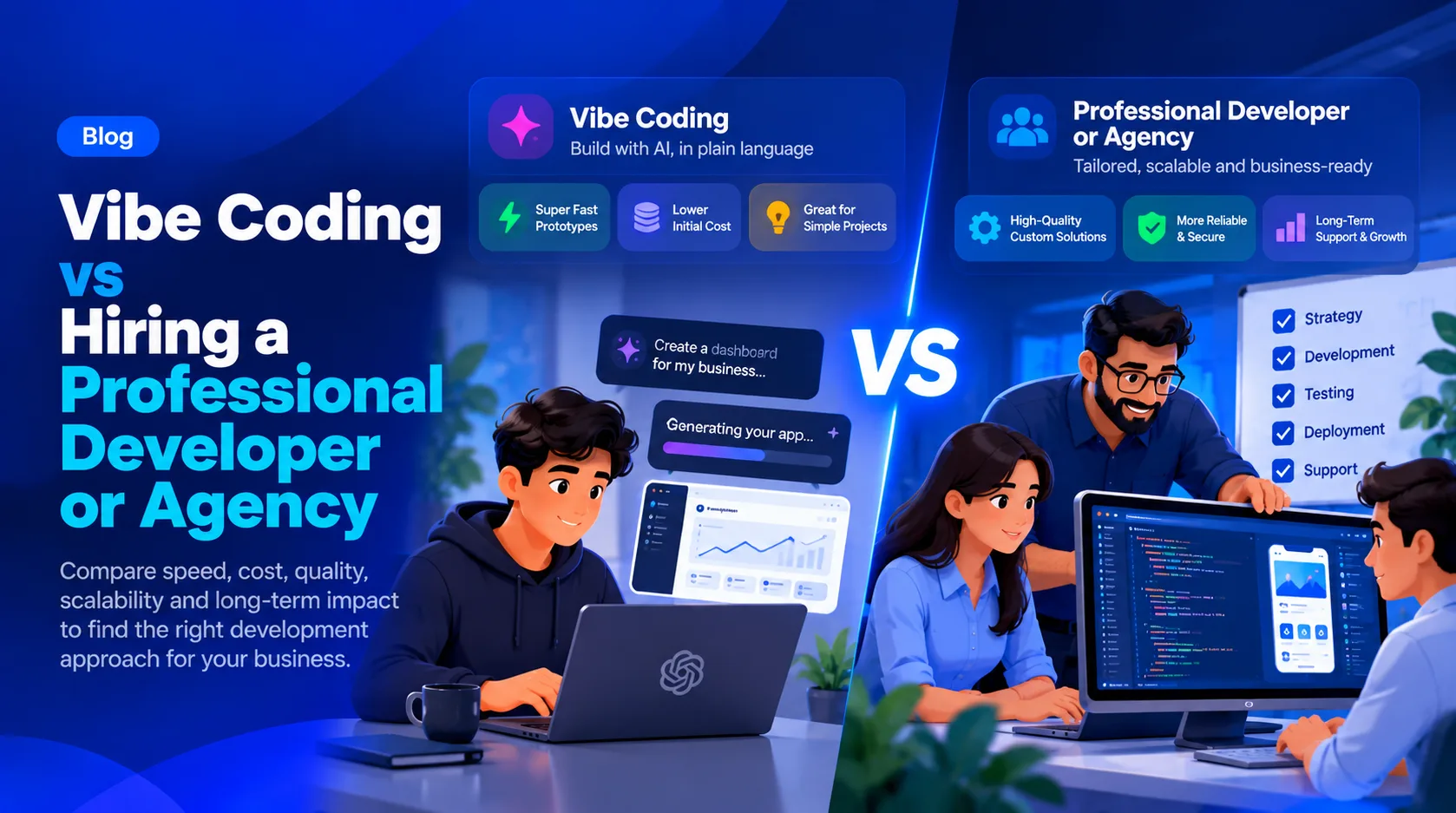
Vibe Coding vs Hiring a Professional Developer or Agency: Which Is Better for Your Business?
Updated on - 26th October, 2026