BLOG ON
Offline-First Mobile App Development for Enterprises
PUBLISHED ON - 26th October, 2026 · 10 min read
PUBLISHED BY

Aditya Prem Sharma
Product Specialist
When the Internet Fails, Work Shouldn't
No internet. No signal. No work?
Imagine a field technician arriving at a customer's factory to inspect a critical machine.
They open the company's mobile app. The loading spinner appears.
Ten seconds pass.
Then comes the message nobody wants to see:
Unable to connect. Please try again.
The technician has the tools, the training, and the customer standing right there. But the application won't open the job details because the factory has poor mobile reception.
So they take photographs on their personal phone, write notes on paper, and promise to update the system later.
Sometimes they remember. Sometimes important details get lost.
This is exactly the problem offline-first mobile app development is designed to solve.
An offline-first enterprise app allows employees to complete essential tasks without a continuous internet connection. Information is stored securely on the device and synchronized with company systems when connectivity becomes available.
The objective isn't to eliminate the internet.
It's to make sure your business doesn't stop every time the connection does.
Your employees shouldn't have to choose between doing their jobs and waiting for a loading screen.
Offline-First Doesn't Mean Offline-Only
An offline-first application is designed around the assumption that connectivity can be unreliable.
Instead of requiring the server for every action, it keeps the information needed for essential workflows on the device.
For example, a technician can open an assigned job, record inspection results, attach photographs, and mark work as completed without an active connection.
When the device reconnects, the application sends the locally recorded changes to the backend.
How is that different from a regular mobile app?
| Capability | Online-Dependent App | Offline-First App |
|---|---|---|
| Open previously loaded job details | May fail | Available locally |
| Record inspection notes without internet | Often unavailable | Supported |
| Capture photos and signatures | May require connectivity | Can be stored locally |
| Update central dashboard immediately | When connected | When synchronized |
| Handle conflicting changes | Often server-controlled | Requires explicit sync rules |
| Work in remote locations | Limited | Designed for it |
Not every feature can work offline.
Live payment authorization, real-time inventory reservations, certain identity checks, and other operations requiring authoritative server validation may still need a connection.
The important distinction is that critical offline-capable workflows remain usable, while network-dependent actions are clearly identified.
Google's official offline-first Android architecture guidance follows this principle: the application should be able to perform all or a meaningful subset of its core functionality without network access.
The Field Worker Shouldn't Notice the Network
Think about what an employee actually wants from a mobile application.
They don't want to understand databases, synchronization queues, or network retries.
They want to finish the task in front of them.
A well-designed offline-first app makes that possible.
Before leaving the office
The employee opens the application while connected.
Assigned jobs, relevant customer information, equipment details, and necessary documents are downloaded to the device.
At the customer site
The internet connection disappears.
The employee can still access the assigned work, fill out forms, record observations, and capture permitted photographs or signatures.
The app saves these changes locally.
On the way back
Connectivity returns.
The app begins synchronizing pending changes according to its configured rules and operating-system restrictions.
The employee can see whether everything has synchronized successfully.
Back at headquarters
The office receives the completed information after successful synchronization.
Managers can review the job, process the next workflow, and prepare billing where appropriate.
The employee shouldn't have to copy the same information into another system.
Tip
Show users clear states such as Saved on device, Waiting to sync, Syncing, Synced, and Needs attention. A successful local save is not the same thing as a successful server update.
That small design decision can prevent significant confusion when connectivity is unreliable.
The Difficult Part Starts When Signal Returns
Saving a form locally is relatively straightforward.
Synchronizing that form reliably across devices and company systems is where the engineering becomes more demanding.
Suppose a technician changes a job status to Completed while offline.
Meanwhile, an office manager changes the same job to Cancelled.
When the technician reconnects, which update should win?
If the app blindly accepts whichever update arrives last, it may overwrite an important business decision.
This is called a synchronization conflict.
Different data needs different rules
Consider these examples.
Inspection photographs
New photographs can often be added as separate records without overwriting existing attachments.
Job notes
Independent notes can generally be preserved as individual entries rather than replacing an entire text field.
Customer contact details
Conflicting changes may require field-level rules or a review process.
Job status
A completed-versus-cancelled conflict may need validation against an approved workflow.
Inventory quantities
Stock deductions and reservations may require server-side reconciliation to prevent inconsistent balances.
There isn't one universal conflict-resolution strategy.
A reliable offline-first architecture defines how each important business operation behaves before development begins.
Warning
Using “last update wins” for every field is risky. It may be acceptable for some low-impact preferences, but financial records, inventory, approvals, and job status changes often require stricter handling.
Google's offline-first architecture guidance discusses queued writes, local-first writes, synchronization strategies, and conflict resolution. These are central engineering concerns, not optional enhancements.
A Real Example From Construction Technology
Construction sites are a particularly demanding environment for mobile applications.
Workers may be inside unfinished buildings, underground areas, or remote locations with unreliable connectivity.
A UK-based construction technology company faced this problem with its mobile auditing application.
According to a published Toptal case study, the existing application depended on an internet connection, making it difficult for field teams to record issues consistently.
The development work introduced an offline-first architecture using Flutter and SQLite.
Workers could capture issues and photographs locally, while a synchronization manager handled queued API operations, retries, and conflicts after connectivity returned.
The case study reports improved usability in low-connectivity environments, fewer support requests, and stronger support for expansion into remote markets.
It does not provide independently verified numerical improvements, so those outcomes should be treated as vendor-reported qualitative results.
Why this example matters
The business didn't need an application that merely looked better.
It needed an application that worked in the actual environments where employees used it.
That's an important distinction for enterprise mobile app development.
The right product requirements come from real working conditions, not just conference-room demonstrations.
What an Offline-First Architecture Needs
An offline-first application typically has two places where data exists.
One is on the employee's device.
The other is in the organization's backend systems.
The application must coordinate both.
A simplified architecture
This is a conceptual view, not a complete production architecture.
A production implementation also needs authentication, access controls, encryption, logging, monitoring, versioning, and error recovery.
Local storage
The app stores relevant information in a persistent local database.
Depending on the technology stack, that might include SQLite, Android Room, or another suitable storage solution.
Large files such as photographs may require separate local file handling and upload management.
A durable synchronization queue
Changes made offline must survive app restarts and device interruptions.
Each pending operation should be recorded in a way that supports retries without accidentally creating duplicate transactions.
Backend synchronization APIs
The server needs to recognize which changes have already been processed, validate incoming updates, and return useful conflict or error information.
Conflict handling
Some changes can be merged automatically. Others need business-specific rules or human review.
Recovery and visibility
The app should make failed or unresolved synchronization visible and provide a safe way to retry or escalate.
Important
Never design synchronization on the assumption that the application will remain open in the foreground. Mobile operating systems impose background execution limits, so uploads and retries must be designed around supported scheduling and recovery mechanisms.
Which Businesses Benefit the Most?
Offline-first development is particularly valuable when employees work outside reliable office networks.
But the use cases are not identical.
Field service and maintenance
Technicians need assigned jobs, equipment history, checklists, photographs, and customer sign-offs at locations where mobile reception may be unreliable.
Construction and infrastructure
Site teams need inspections, snag lists, progress updates, and evidence capture, sometimes in basements or remote locations.
Warehousing and logistics
Workers may scan items or record delivery evidence in areas with intermittent coverage.
Inventory-affecting actions require careful reconciliation to avoid duplicate or conflicting stock movements.
Healthcare outreach
Authorized field staff may need forms and visit records in areas with limited connectivity.
Sensitive patient information requires stronger access controls, encryption, retention rules, and compliance review.
Retail and distribution
Sales representatives can access approved product catalogs, record customer visits, and prepare orders offline.
Final prices, credit limits, inventory availability, and order acceptance may still require server validation.
Utilities and inspections
Teams can record meter readings, equipment conditions, inspection results, and maintenance observations while working in remote areas.
The common pattern is simple.
Work happens in the physical world, but the software depends on a network that isn't always available.
Offline-First vs Online-First: What Should You Choose?
Offline-first architecture adds complexity.
It requires local storage, synchronization logic, conflict handling, testing, and ongoing maintenance.
That complexity is justified when interrupted connectivity creates a meaningful operational problem.
Choose offline-first when
- Employees regularly work in unreliable network environments.
- Essential tasks must continue without internet access.
- Losing captured information creates business or compliance risks.
- Field teams need locally available documents or job details.
- Delayed synchronization is acceptable for defined workflows.
Online-first may be enough when
- Users work almost entirely on reliable networks.
- Operations require immediate central validation.
- The application mainly displays real-time information.
- Offline workflows would introduce more risk than benefit.
Some businesses need a hybrid approach.
For example, a retail sales application might allow offline catalog browsing and draft order creation but require connectivity before confirming an order.
That's often more practical than attempting to make every feature available offline.
What Does Offline-First App Development Cost?
Offline-first functionality affects more than the mobile interface.
The project must account for local data models, synchronization APIs, conflict handling, file uploads, recovery, and testing under unreliable network conditions.
For businesses planning development in India, the following are illustrative 2026 budgeting ranges, not verified market averages or quotations.
| Application Scope | Illustrative Budget |
|---|---|
| Basic offline forms and local storage | ₹4–8 lakh |
| Field service app with synchronization | ₹8–18 lakh |
| Multi-role enterprise app with integrations | ₹18–35 lakh |
| Complex enterprise platform with advanced sync | ₹35–70 lakh+ |
Actual costs depend on the number of workflows, supported devices, integration requirements, security obligations, data volume, and conflict complexity.
Where the extra development effort goes
A basic online form sends information to the server when the user submits it.
An offline-capable form may need to:
- Validate the information locally.
- Save it durably on the device.
- Record the pending operation.
- Detect or await suitable connectivity.
- Upload the operation safely.
- Handle duplicates, validation failures, and conflicts.
- Update the local record with the server's confirmed result.
That's why offline-first should be treated as an architectural decision rather than a small feature added at the end.
A focused initial release may take roughly three to five months, while complex enterprise integrations and rigorous security requirements can extend the timeline.
Test the App Where It Will Actually Be Used
A mobile application can perform perfectly on office Wi-Fi and fail during its first real field deployment.
Offline-first testing should deliberately recreate difficult conditions.
Try these scenarios before launch:
- Switch on airplane mode halfway through completing a form.
- Restart the app before pending changes synchronize.
- Upload a large photograph over an unstable connection.
- Change the same record on two devices.
- Let the device run out of storage.
- Sign out while changes remain unsynchronized.
- Restore connectivity after several days.
- Revoke a user's access while their device is offline.
- Update the application while pending operations still exist.
The goal is to find out whether data is preserved, whether conflicts are handled safely, and whether employees understand what's happening.
Security is part of the offline design
Enterprise information stored on a device needs appropriate protection.
Depending on the data and operating environment, this may involve encryption at rest, secure key storage, device authentication, managed-device controls, session expiration, restricted local retention, and remote access revocation.
There is also an unavoidable limitation: a device that remains offline cannot immediately receive a new revocation instruction from the server.
For sensitive workflows, the system may need time-limited offline access and additional safeguards.
Offline capability should never mean unrestricted access to company information.
Build for the Places Your Business Operates
At Software Studio Pro, we develop custom mobile applications, enterprise dashboards, backend systems, and business software integrations.
For businesses with field operations, that can include offline-capable inspection applications, maintenance workflows, sales tools, data collection systems, and mobile applications connected to existing ERP or CRM platforms.
A sensible project starts by identifying three things:
What must work without internet?
Separate essential offline tasks from operations that require server validation.
What data needs to stay on the device?
Define access, storage, retention, security, and synchronization requirements.
What happens when two people change the same information?
Agree on conflict-resolution rules before they become production incidents.
Then build a focused first release, test it in actual working environments, and expand once the synchronization behavior is dependable.
Your business doesn't stop at the edge of mobile coverage. Your software shouldn't either.
FAQ
What is offline-first mobile app development?
Offline-first mobile app development is an approach where essential application features work without a continuous internet connection. Data is stored locally and synchronized with backend systems when connectivity is available.
Can an offline-first app work without internet?
Yes, for the workflows and data specifically designed to be available offline. Features requiring live server validation or information not stored locally may still need connectivity.
How does offline data synchronization work?
The app stores changes locally, records pending operations, and exchanges data with the backend when a connection becomes available. It must also handle retries, duplicates, and conflicting updates.
Is SQLite suitable for offline mobile apps?
Yes. SQLite is commonly used for structured local storage in mobile applications. The appropriate database and storage design depend on the platform, data volume, security, and synchronization requirements.
Can React Native or Flutter build offline-first apps?
Yes. Both can support offline-first applications using suitable local storage, networking, and synchronization libraries or custom implementations.
Are offline-first enterprise apps secure?
They can be designed securely, but local data storage introduces additional risks. Encryption, authentication, device controls, access expiration, and appropriate data retention are important.
How much does offline-first app development cost?
A basic offline forms application may have an illustrative development budget of ₹4–8 lakh in India. More complex enterprise applications with synchronization and integrations may require ₹18–35 lakh or more.
What happens if two users edit the same record offline?
The system needs defined conflict-resolution rules. Depending on the data, it may merge changes, reject an outdated update, or require a person to resolve the conflict.
Is offline-first better than a regular mobile app?
Not always. Offline-first is particularly useful when connectivity is unreliable or work must continue without internet. Online-first applications can be simpler when continuous connectivity is available and required.
Ready to bring your business idea to life? Contact us today and let's build something amazing together!
Contact Us
READ MORE BLOGS
Enterprise Asset Management Software Development
Published on - 26th October, 2026
Custom Franchise Management Software Development
Published on - 26th October, 2026
Custom Construction Project Management Software Development
Published on - 26th October, 2026
Legacy Desktop Software Modernization: A Practical Guide
Published on - 26th October, 2026
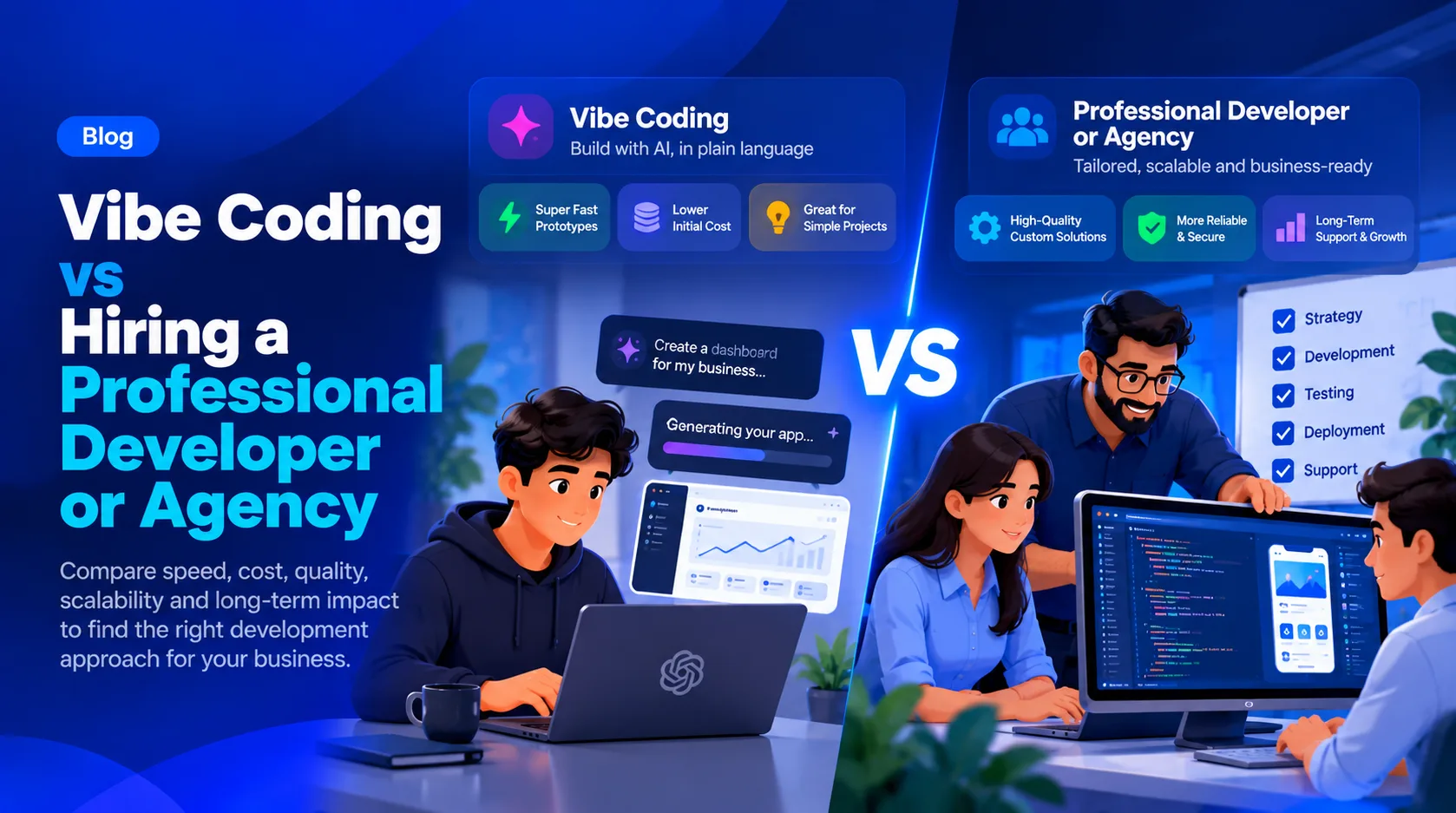
Vibe Coding vs Hiring a Professional Developer or Agency: Which Is Better for Your Business?
Updated on - 26th October, 2026