BLOG ON
Building AI Agents That Work Inside Enterprise Software
PUBLISHED ON - 23rd October, 2026 · 10 min read
PUBLISHED BY

Aditya Prem Sharma
Product Specialist
Building AI Agents That Work Inside Enterprise Software
Most businesses don't need another AI chatbot. They need software that can actually complete work.
Imagine a procurement manager asking an AI assistant:
"Find purchase orders delayed by more than seven days, check whether the suppliers have responded, and prepare follow-up emails for approval."
A conventional chatbot might explain how to do this. An enterprise AI agent can retrieve purchase orders from an ERP, check supplier communications, prepare the follow-ups, and present them to the manager for approval.
That's the difference between answering a question and executing a business workflow.
Enterprise AI agent development involves building AI-powered systems that securely access business data, use approved tools, make decisions within defined boundaries, and complete multi-step tasks across applications such as ERP, CRM, HRMS, and internal software.
The challenge isn't making an AI model sound intelligent. It's making the entire system reliable enough to operate inside a real business.
What Makes an AI Agent Enterprise-Ready?
An enterprise AI agent combines a language model with access to tools, business context, and a controlled execution process.
Unlike a standalone chatbot, an agent can interact with systems and take actions.
For example:
| Business Request | Chatbot | Enterprise AI Agent |
|---|---|---|
| "Which invoices are overdue?" | Explains how to find them | Queries accounting records |
| "Follow up with unpaid customers" | Drafts a generic email | Prepares personalized reminders |
| "Update this lead in our CRM" | Gives instructions | Updates the record after authorization |
| "Check inventory shortages" | Explains inventory analysis | Retrieves stock data and identifies shortages |
| "Prepare the weekly sales report" | Suggests a template | Collects data and generates a report |
However, access to enterprise software doesn't automatically make an agent production-ready.
A reliable system also needs:
- Authentication and role-based permissions
- Secure API integrations
- Validated tool inputs
- Human approval for sensitive actions
- Execution logs and audit trails
- Error handling and recovery
- Data protection controls
- Performance and cost monitoring
An AI agent is only as trustworthy as the systems, permissions, and safeguards surrounding it.
Where Enterprise AI Agents Deliver Value
The most valuable opportunities are usually workflows involving several systems, repeated decisions, and substantial manual coordination.
Finance: Invoice and payment operations
A finance agent could retrieve invoices, compare them with purchase orders, identify mismatches, and prepare exceptions for review.
For example, an invoice for ₹4.8 lakh arrives against a purchase order for ₹4.2 lakh.
Instead of approving it automatically, the agent identifies the discrepancy, retrieves the relevant documents, and creates a review task for the finance manager.
Sales: CRM and account management
A sales agent could analyze customer activity, retrieve account information, summarize recent interactions, and recommend follow-ups.
With appropriate authorization, it could also update CRM records or prepare sales proposals.
Procurement: Supplier coordination
A procurement agent could monitor pending purchase orders, check expected delivery dates, and prepare supplier communications.
Operations: Inventory and replenishment
An inventory agent could analyze stock levels, pending orders, and replenishment rules.
It might recommend transfers between warehouses or draft purchase requisitions.
IT: Internal support automation
An IT agent could classify support requests, search internal documentation, retrieve system status, and perform permitted diagnostic actions.
Sensitive activities such as changing user permissions should require independent authorization.
The strongest AI agent use cases begin with a specific operational bottleneck, not a decision to introduce AI everywhere.
How Enterprise AI Agent Architecture Works
A production agent needs more than a prompt connected to an LLM API.
Consider a system where an employee asks:
"Which customers have unpaid invoices older than 30 days, and can we prepare reminders?"
The application must understand the request, retrieve authorized data, apply business rules, and prepare the appropriate actions.
A practical architecture
The actual system may also include a workflow queue, database, retrieval service, monitoring infrastructure, and administrative dashboard.
Step 1: Authenticate the employee
The application identifies the employee and determines which customers, invoices, and actions they are permitted to access.
Step 2: Interpret the request
The agent determines whether the employee wants a report, a recommendation, or an action.
Step 3: Retrieve business data
The application invokes approved tools to retrieve overdue invoices from the accounting system.
Step 4: Apply deterministic rules
Application code calculates overdue periods, checks invoice status, and excludes disputed accounts according to configured policies.
Step 5: Prepare the action
The agent generates appropriate reminder drafts using verified customer and invoice information.
Step 6: Request approval
The employee reviews the recipients, amounts, and message content before anything is sent.
Step 7: Execute and record
The system sends approved communications, records the outcome, and handles failures.
The AI should interpret and coordinate the workflow. Your application should enforce permissions, validate data, and control important business actions.
Why not let the AI directly access the database?
Direct database access can create unnecessary security and reliability risks.
A safer approach is to expose narrowly scoped tools such as:
- getoverdueinvoices
- getcustomeraccount
- preparepaymentreminder
- submitreminderfor_approval
Each tool should validate inputs, enforce permissions, and return only the necessary information.
This is easier to audit than giving the model unrestricted database or administrative access.
Connecting AI Agents with ERP and CRM
Integration is often the most demanding part of enterprise AI development.
An agent might need information from SAP, Salesforce, Microsoft Dynamics, Zoho, a custom ERP, or an internal PostgreSQL database.
These systems rarely share identical data models, authentication mechanisms, or business rules.
Choosing the integration method
| Integration Method | Best Use Case | Main Consideration |
|---|---|---|
| Official REST APIs | Modern SaaS and internal apps | Permissions and rate limits |
| GraphQL APIs | Flexible data retrieval | Query limits and authorization |
| Webhooks | Reacting to business events | Delivery and retry handling |
| MCP servers | Standardized tool interfaces | Tool trust and access control |
| Database-backed services | Legacy internal applications | Secure service boundaries |
| Browser automation | Systems without usable APIs | Fragility and operational risk |
Official APIs are generally preferable when available. Browser automation should usually be a fallback because interface changes, sessions, and authentication flows can interrupt execution.
Example: CRM-to-ERP sales agent
A customer requests a quotation for 500 units.
The agent could:
- Retrieve the customer profile from the CRM.
- Check product availability in the ERP.
- Retrieve applicable contract pricing.
- Generate a quotation draft.
- Route discounts outside policy for approval.
- Save the approved quotation.
- Notify the sales representative.
The language model coordinates the process, but pricing and authorization rules should remain in application logic.
What about MCP?
Model Context Protocol (MCP) provides a standardized way for AI applications to connect with external tools and data sources.
It can reduce custom integration work when suitable MCP servers already exist.
However, MCP doesn't replace authentication, authorization, validation, or security reviews.
A connected tool still needs to be treated as a potential source of sensitive data and consequential actions.
Security: The Hardest Part of Enterprise AI
Connecting an AI model to business systems introduces risks that ordinary chat applications may not face.
A model that can read a document is different from one that can change bank details, approve payments, or delete records.
Prompt injection
Suppose an agent reads a supplier email containing hidden instructions telling it to export customer records.
Those instructions are untrusted content, even if the model encounters them during a legitimate task.
The application must not treat external documents, emails, or retrieved web pages as authoritative instructions.
Excessive permissions
An agent responsible for invoice reminders doesn't need unrestricted access to payroll or administrative settings.
Use narrowly scoped credentials and enforce authorization on every tool execution.
Sensitive data exposure
Agents may process customer details, financial records, employee information, and proprietary documents.
Data handling requirements should cover retention, logging, encryption, access restrictions, and applicable regulations.
Unauthorized actions
A model might misunderstand a request or select an inappropriate tool.
High-impact operations should be controlled through server-side policies and, where appropriate, explicit human approval.
| Risk | Recommended Control |
|---|---|
| Prompt injection | Treat retrieved content as untrusted |
| Unauthorized access | Enforce user permissions in backend tools |
| Incorrect financial action | Deterministic checks and approval |
| Duplicate execution | Idempotency keys and transaction controls |
| Sensitive data leakage | Data minimization and access restrictions |
| Untraceable actions | Structured audit logs |
| Tool failures | Timeouts, retries, and recovery procedures |
Warning
A system prompt telling an agent to "never perform unauthorized actions" is not a security boundary. Authorization must be enforced by the application executing the tools.
The OWASP GenAI Security Project documents real-world and research-demonstrated risks involving prompt injection, tool misuse, identity abuse, and compromised agent context.
For enterprise deployment, security testing should cover the entire agent workflow—not only the model's final response.
Choosing the Right Agent Technology
There is no single framework that fits every enterprise agent.
The best stack depends on the existing software, workflow complexity, deployment environment, and security requirements.
Common development options
| Technology | Typical Role |
|---|---|
| OpenAI Responses API | Model interaction and tool calling |
| OpenAI Agents SDK | Agent execution and orchestration |
| LangGraph | Stateful, multi-step workflows |
| LangChain | Model and tool integration components |
| MCP | Standardized tool connectivity |
| Node.js / Python | Backend services and integrations |
| PostgreSQL | Business and execution data |
| Redis / Job queues | Background processing |
| Cloud infrastructure | Hosting, security, and monitoring |
These technologies are alternatives or complementary components, not a mandatory stack.
Single agent or multiple agents?
Start with one agent when the workflow has a clear responsibility and a manageable set of tools.
Multiple agents may be useful when responsibilities are meaningfully different—for example, document extraction, policy validation, and customer communication.
But adding agents also increases orchestration complexity, latency, and debugging effort.
A single reliable agent with five well-designed tools is often more useful than a network of agents that cannot consistently complete one business process.
Retrieval-augmented generation
Retrieval-augmented generation (RAG) is useful when agents need information from documents, policies, contracts, or internal knowledge bases.
But RAG and tool calling solve different problems.
RAG helps retrieve relevant knowledge.
Tool calling allows an agent to query systems or perform actions.
Enterprise agents often need both.
What Does Enterprise AI Agent Development Cost?
The cost depends on the number of integrations, workflow complexity, security requirements, and expected usage.
For planning purposes, the following are illustrative Indian development budgets—not verified market averages or fixed quotations.
| Project Scope | Indicative Budget |
|---|---|
| Internal knowledge assistant with limited tools | ₹4–8 lakh |
| Single-workflow AI agent | ₹8–15 lakh |
| AI agent integrated with CRM or ERP | ₹12–25 lakh |
| Multi-workflow enterprise agent platform | ₹25–60 lakh |
| Large, regulated enterprise deployment | ₹60 lakh+ |
A narrowly scoped agent may cost substantially less than a full platform, while legacy integrations and demanding compliance requirements can increase the budget.
Development cost isn't the entire budget
Enterprise buyers should also account for:
- Model API or inference charges
- Hosting and background workers
- Integration platform charges
- Database and storage
- Monitoring and observability
- Security reviews
- Evaluation and testing
- Ongoing support
- Changes to underlying enterprise systems
Example: Cost of model usage
Assume an agent executes 20,000 workflows monthly.
Each workflow consumes an average of 12,000 input tokens and 2,000 output tokens across all model calls.
That equals:
- 240 million input tokens per month
- 40 million output tokens per month
If the chosen model costs $1 per million input tokens and $5 per million output tokens, the estimated model charge is:
240 × $1 + 40 × $5 = $440 per month
These are hypothetical token rates, not a quotation for a particular model.
Actual cost depends on the provider, model, caching, reasoning tokens, retries, tool calls, and workload.
The example also excludes infrastructure, integrations, and maintenance.
Model inference may be a relatively small part of the budget. Reliable integration, security, and operational maintenance can cost much more.
Measuring ROI
Before approving a project, estimate:
- How many workflows occur each month?
- How long does each workflow take today?
- How much human intervention will remain?
- What is the cost of errors?
- How will the business measure successful completion?
For example, a workflow performed 2,000 times monthly that saves an average of six minutes could free approximately 200 working hours per month.
That is a hypothetical productivity calculation, not a guaranteed saving.
The business must validate actual time savings, error rates, and the value of the freed capacity.
From Prototype to Production
A successful demo proves that an agent can complete a task.
Production readiness means it can complete that task reliably under realistic conditions, including failures, ambiguous requests, and changing business data.
Phase 1: Identify one measurable workflow
Choose a process with clear inputs, outputs, and business value.
Avoid starting with a vague objective such as "automate our entire finance department."
Phase 2: Audit systems and permissions
Document the required APIs, data ownership, authentication methods, approval rules, and compliance constraints.
Phase 3: Build a controlled prototype
Connect the minimum tools needed to complete the workflow.
Use test environments and synthetic or appropriately protected data where possible.
Phase 4: Evaluate real-world scenarios
Create a test dataset covering:
- Normal requests
- Missing information
- Conflicting records
- Unauthorized actions
- API failures
- Duplicate requests
- Malicious instructions
- Ambiguous user requests
Track metrics such as task completion rate, incorrect tool calls, human intervention, latency, and cost per successful workflow.
Phase 5: Pilot with human oversight
Deploy to a limited group of users.
Review traces, collect feedback, and measure performance against the existing manual process.
Phase 6: Expand gradually
Increase permissions and automation only after the system demonstrates acceptable reliability.
Production readiness checklist
- Included: Every tool validates inputs and user permissions.
- Included: Sensitive actions require appropriate approval.
- Included: Business rules are enforced outside the model.
- Included: Failed operations can be retried safely.
- Included: Long-running workflows can resume.
- Included: Logs avoid unnecessary exposure of sensitive data.
- Included: Agent performance is evaluated regularly.
- Included: Costs and usage are monitored.
- Included: Operators can pause or disable automation.
- Included: There is a clear incident-response and recovery process.
Production readiness isn't measured by how impressive the agent looks in a demo. It's measured by how predictably it behaves when something goes wrong.
Build Enterprise AI Agents with Software Studio Pro
Enterprise AI projects succeed when AI capabilities are connected to reliable software engineering.
At Software Studio Pro, we help businesses design and develop custom applications, integrations, and AI-powered workflows.
Our development capabilities include:
- Custom AI agent development
- ERP and CRM integrations
- Internal business automation
- AI-powered dashboards and portals
- Document processing workflows
- Backend APIs and microservices
- Secure approval workflows
- Cloud deployment and ongoing support
A practical engagement starts with understanding the existing business process, identifying suitable automation opportunities, and defining a measurable proof of concept.
From there, the system can be expanded into a production application with appropriate permissions, monitoring, and human oversight.
Planning an AI agent that needs to work with your existing enterprise software?
FAQ
What is an enterprise AI agent?
An enterprise AI agent is an AI-powered application that uses approved tools and business data to perform tasks across enterprise systems. It can retrieve information, coordinate workflows, and execute authorized actions.
How are AI agents different from chatbots?
Chatbots primarily respond to messages. AI agents can use tools, retrieve live business data, and perform multi-step actions. The distinction depends on what the application can actually do, not its interface.
Can AI agents integrate with SAP, Salesforce, or Zoho?
Yes, provided suitable APIs, connectors, or integration methods are available. Integration complexity depends on the platform, permissions, data models, and business rules.
How much does enterprise AI agent development cost?
A focused business workflow agent might be budgeted around ₹8–15 lakh in India. More complex enterprise platforms with several integrations may require ₹25–60 lakh or more. These are illustrative planning estimates.
How long does it take to build an enterprise AI agent?
A focused proof of concept may take several weeks. A production deployment with integrations, testing, security controls, and approvals may take two to six months or longer, depending on scope.
Do enterprise AI agents need fine-tuning?
Not necessarily. Many agents can be built using existing models, tool calling, retrieval, and application-specific instructions. Fine-tuning should be considered only when evaluation demonstrates a clear need.
Can AI agents work with legacy ERP software?
Yes. Legacy systems can sometimes be connected through existing APIs, integration services, database-backed applications, or controlled browser automation. Feasibility depends on the system.
Are enterprise AI agents secure?
They can be designed with strong security controls, but connecting AI to enterprise tools creates additional risks. Access control, data protection, approval workflows, and security testing are essential.
Should businesses use a single agent or multiple agents?
Start with a single agent for a focused workflow. Introduce multiple agents when separate responsibilities, tools, or evaluation requirements justify the added complexity.
What is the best way to start an enterprise AI project?
Select one repetitive, measurable business workflow. Audit its systems and permissions, build a controlled prototype, evaluate it against real scenarios, and expand only after demonstrating reliability and business value.
Ready to bring your business idea to life? Contact us today and let's build something amazing together!
Contact Us
READ MORE BLOGS
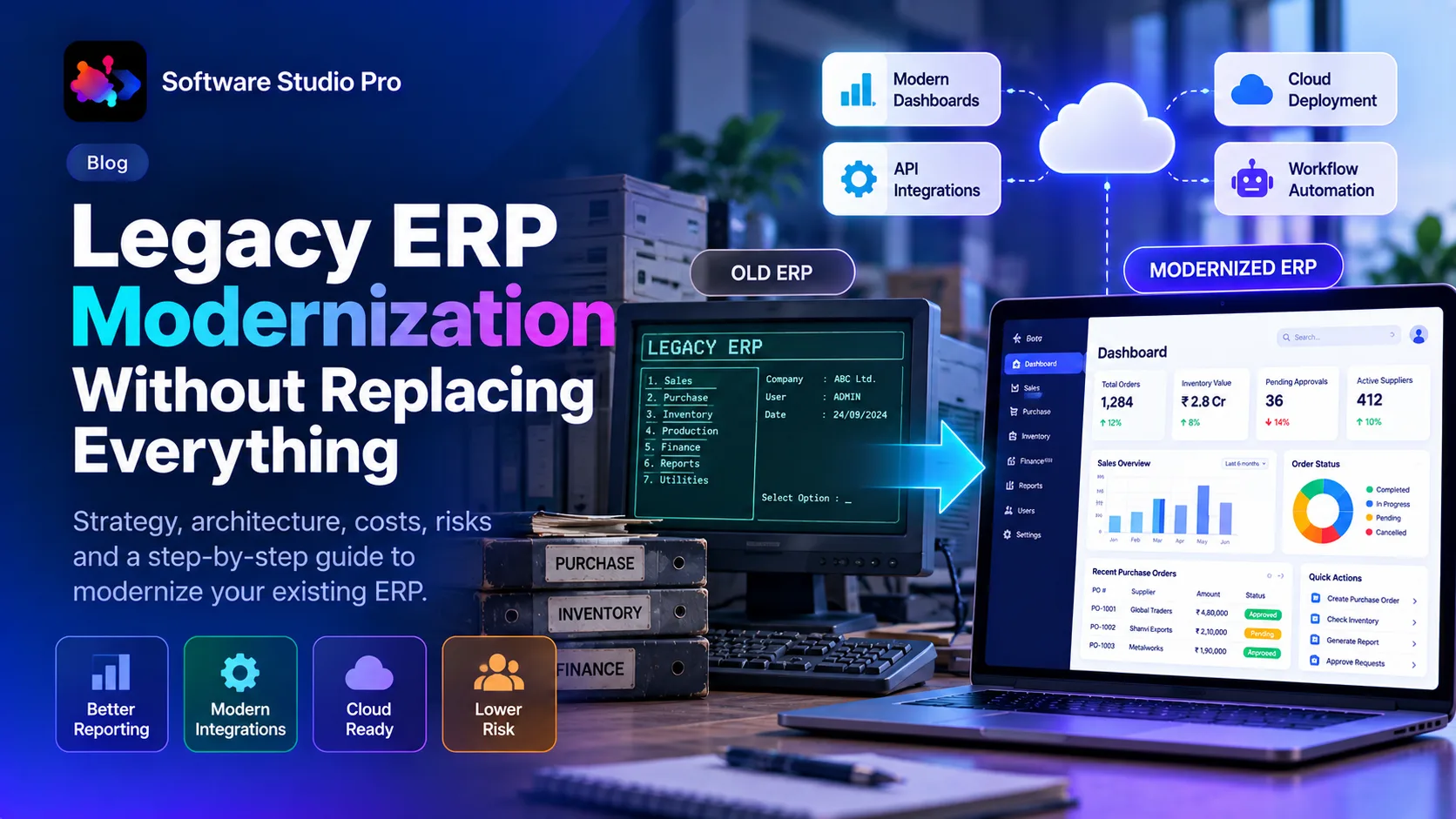
Legacy ERP Modernization Without Replacing Everything
Published on - 23rd October, 2026
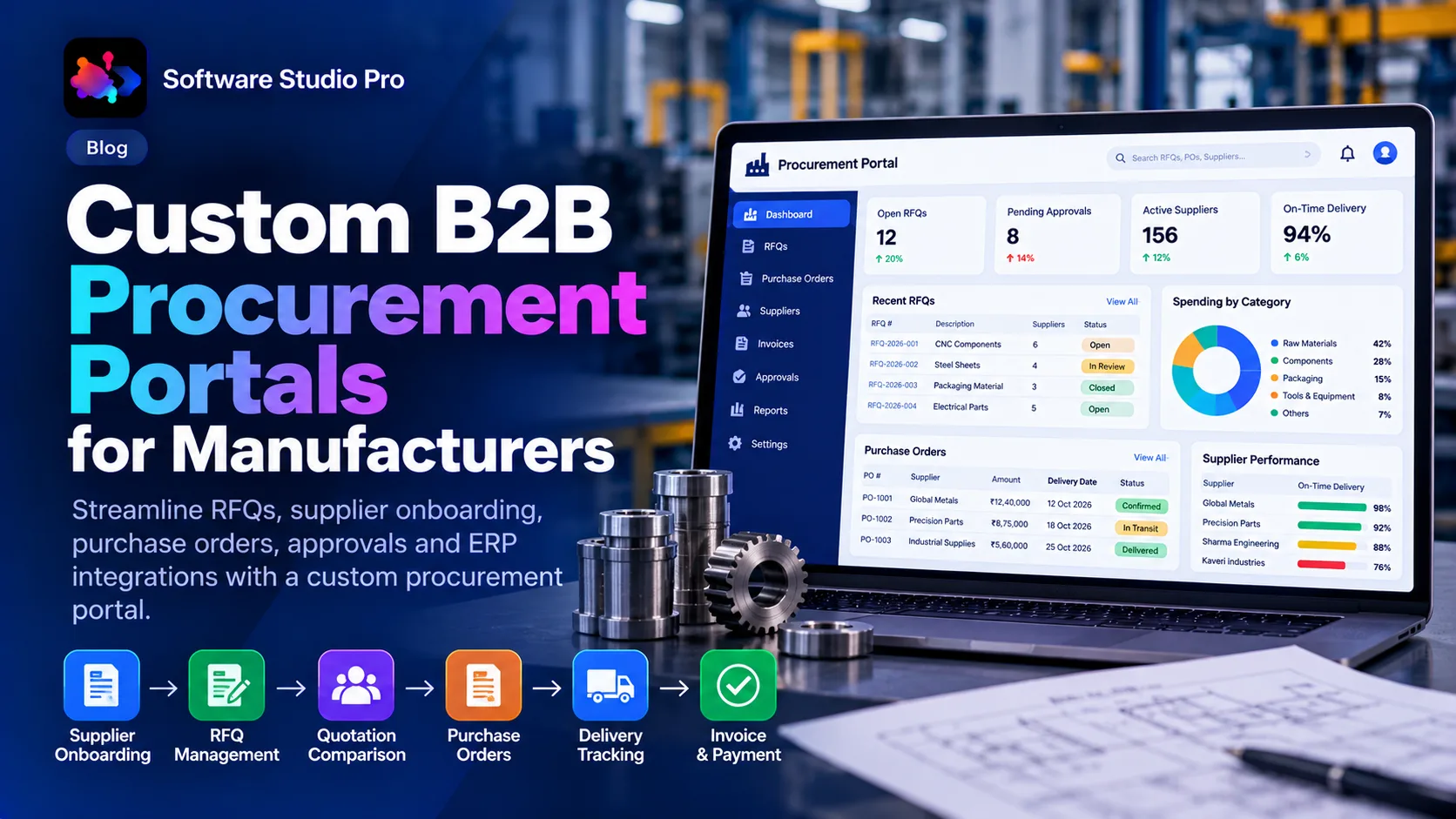
Custom B2B Procurement Portal Development
Published on - 23rd October, 2026
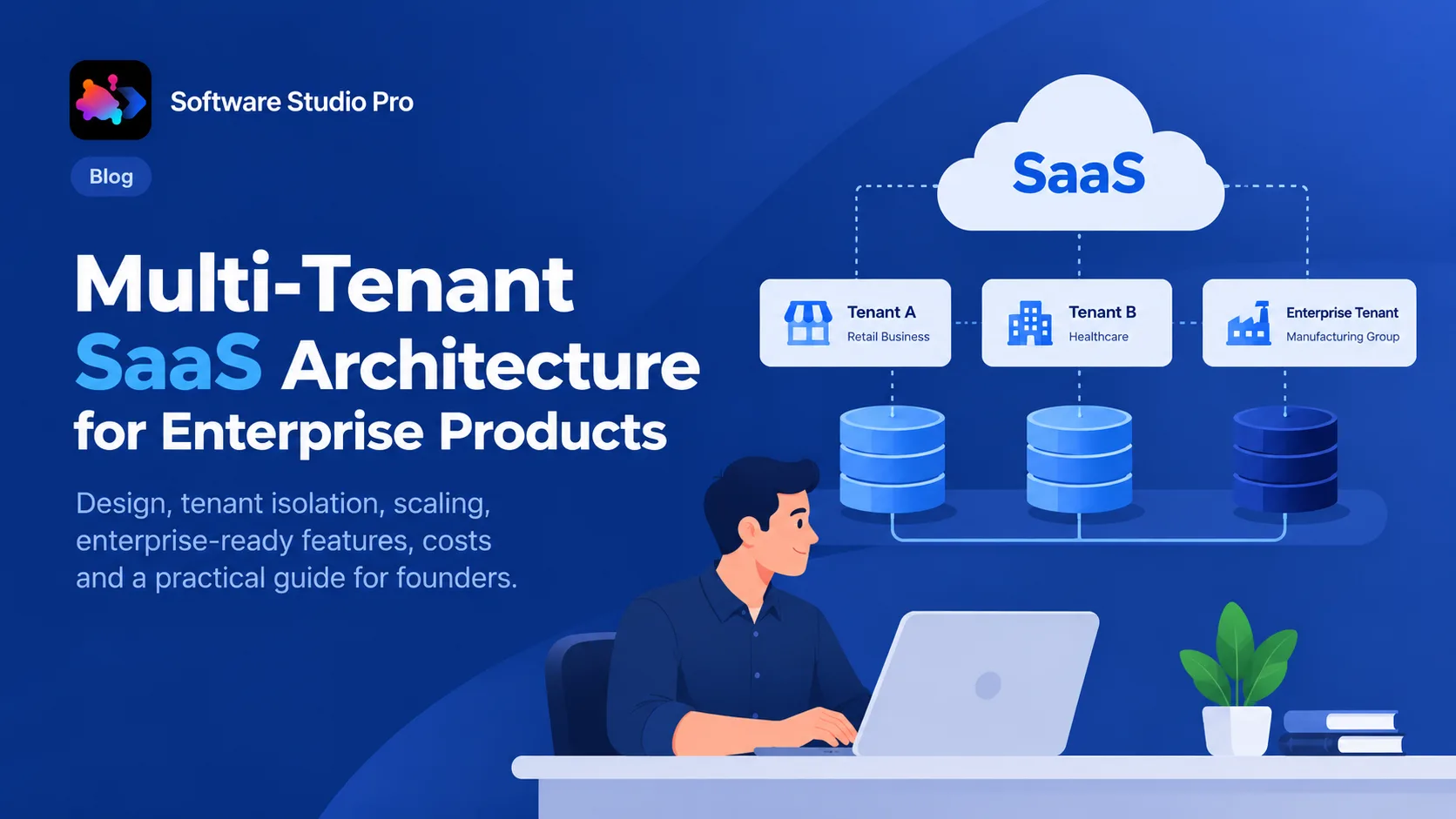
Multi-Tenant SaaS Architecture for Enterprise Products
Published on - 23rd October, 2026
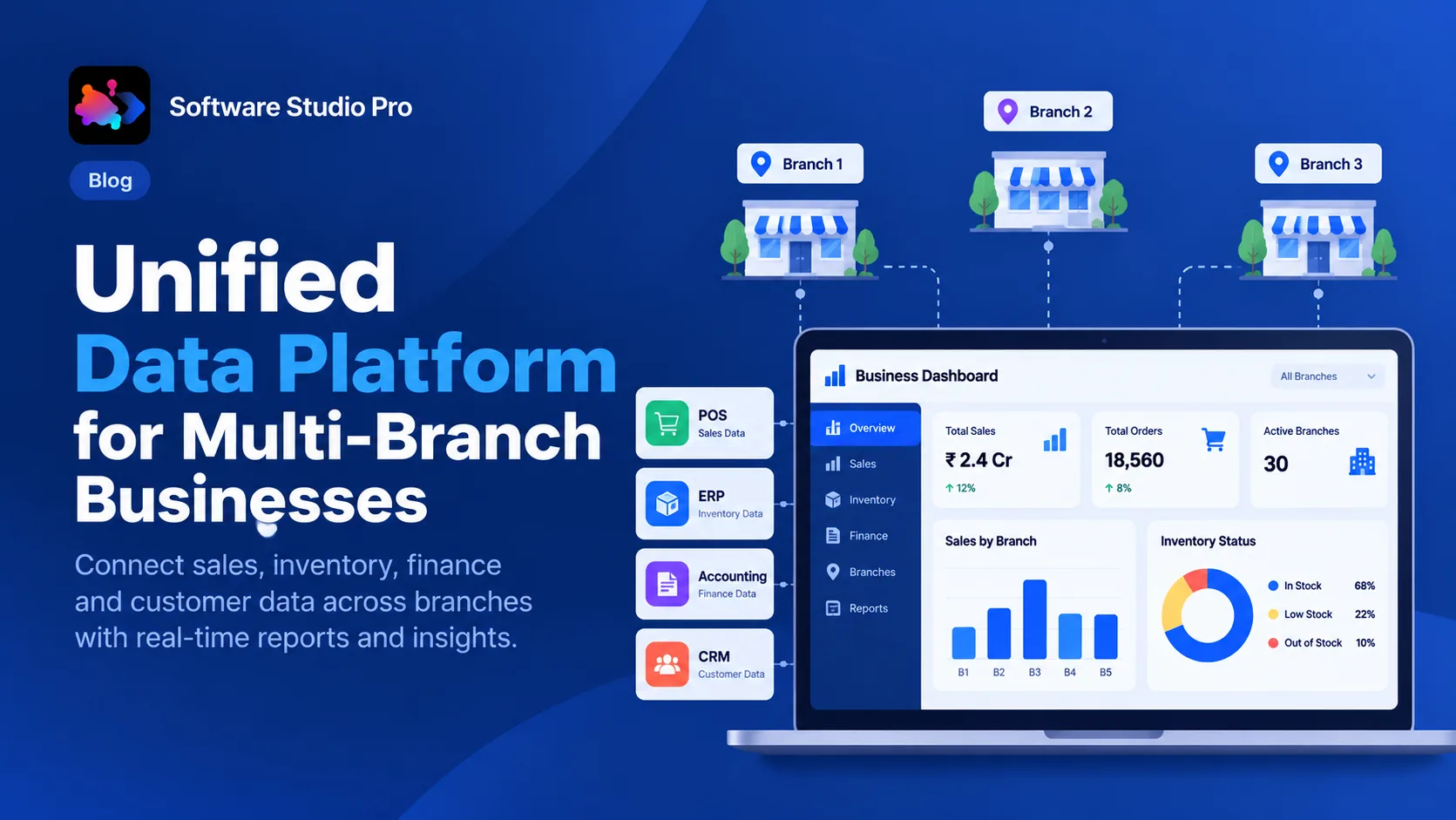
Unified Data Platform for Multi-Branch Businesses
Published on - 23rd October, 2026
AI Document Processing for Finance and Operations
Published on - 23rd October, 2026